


Our AI assistant has a name: say hello to Casey.
Why a name?
When we first launched, we gave the assistant the most vanilla name possible: "AI Assistant." It did the job, but it never felt right. Over time we noticed something: we — and more importantly our users — were already personalizing the assistant, saying "he" or "her" rather than "it." People weren't talking about a feature; they were talking about a colleague.
So we gave the colleague a proper name. Casey works however you refer to it — that's one of the reasons we love the name — and it just happens to start with "case."
Playful, but extremely capable
 Don't let the friendly face fool you. Casey can run the most powerful AI models in the world, including Claude Fable
5, and it has a litigator's toolkit built in: it reads your documents, answers questions with citations, proposes
facts and issues, tags and renames sources, creates tasks, and drafts letters — with you approving every change.
Don't let the friendly face fool you. Casey can run the most powerful AI models in the world, including Claude Fable
5, and it has a litigator's toolkit built in: it reads your documents, answers questions with citations, proposes
facts and issues, tags and renames sources, creates tasks, and drafts letters — with you approving every change.
An interface that works alongside you
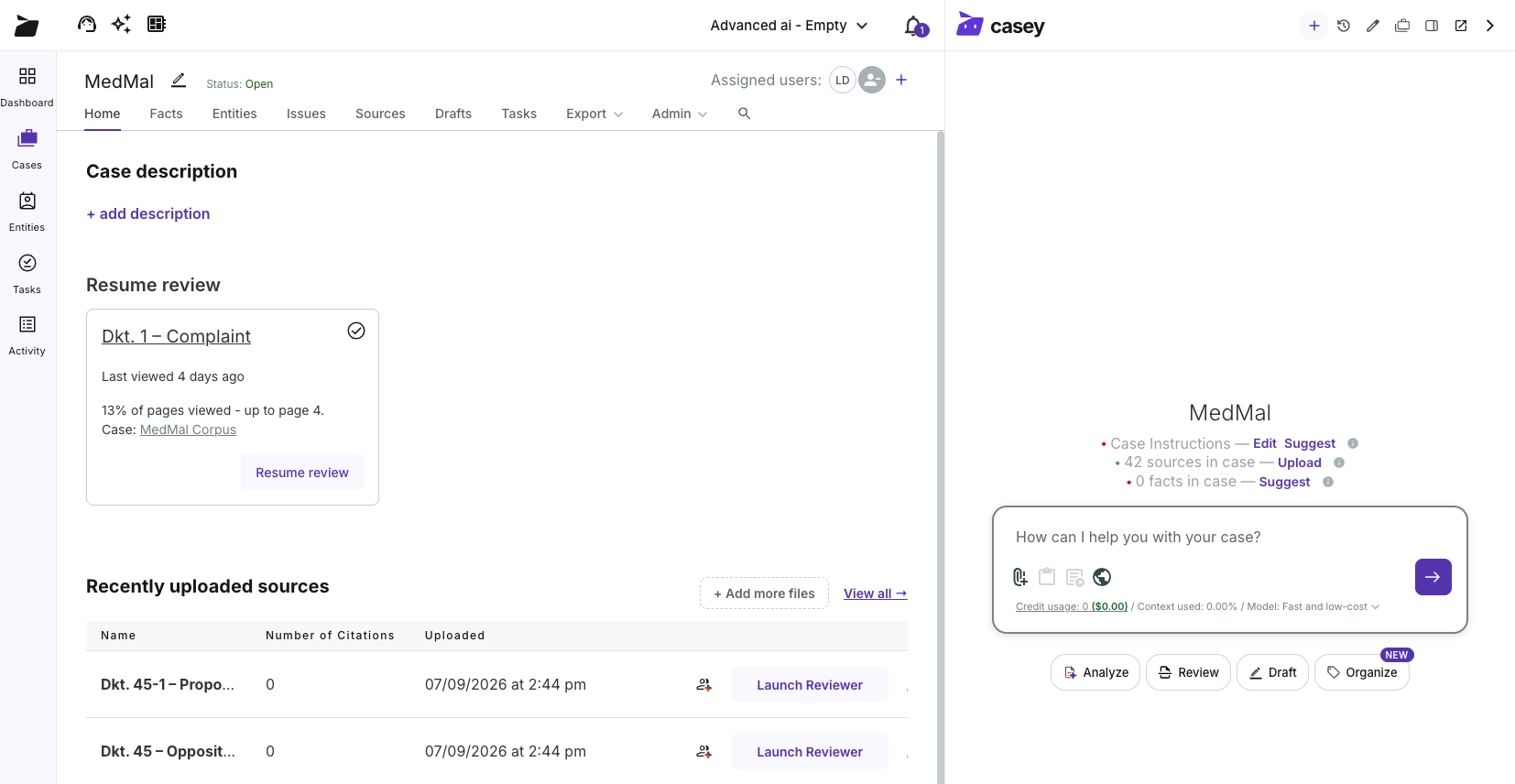
We also rebuilt the interface around Casey. By default, Casey no longer covers up any part of your workspace — it sits alongside it. Dock it next to your work, pop it out, or collapse it to the edge rail until you need it. Wherever you are in a case, Casey is one click away with the full case context.
Case setup, driven by AI
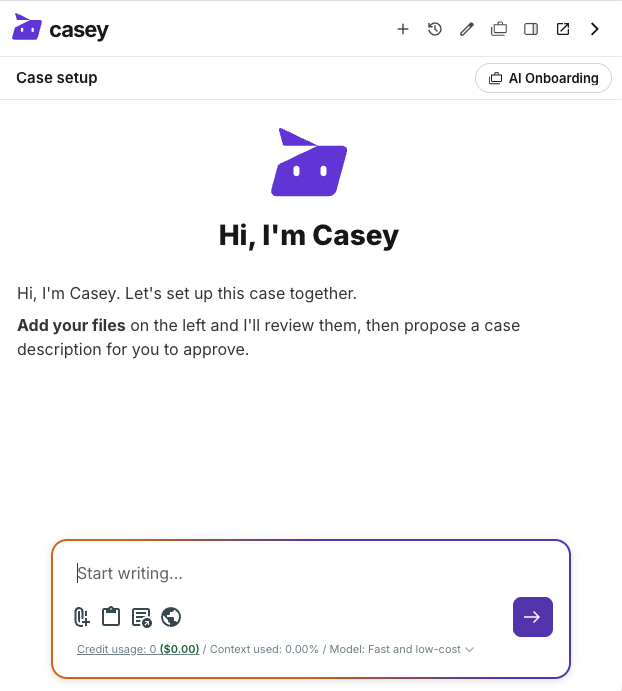
Starting a new matter is different now, too. We redesigned case setup so Casey drives it: create a case, add the stipulation, pleadings, or depositions, and Casey reads them, proposes a case description for your approval, and suggests next steps based on what's actually in your files.
Casey is live today for all Advanced AI plan users — just open a case and say hello. New to Casefleet? Start a free trial and put Casey to work on a real case file.